
Send the invoice the moment the deal closes
Proposals, invoices, card payments and the handover to your accountant, in the same tool as your pipeline.
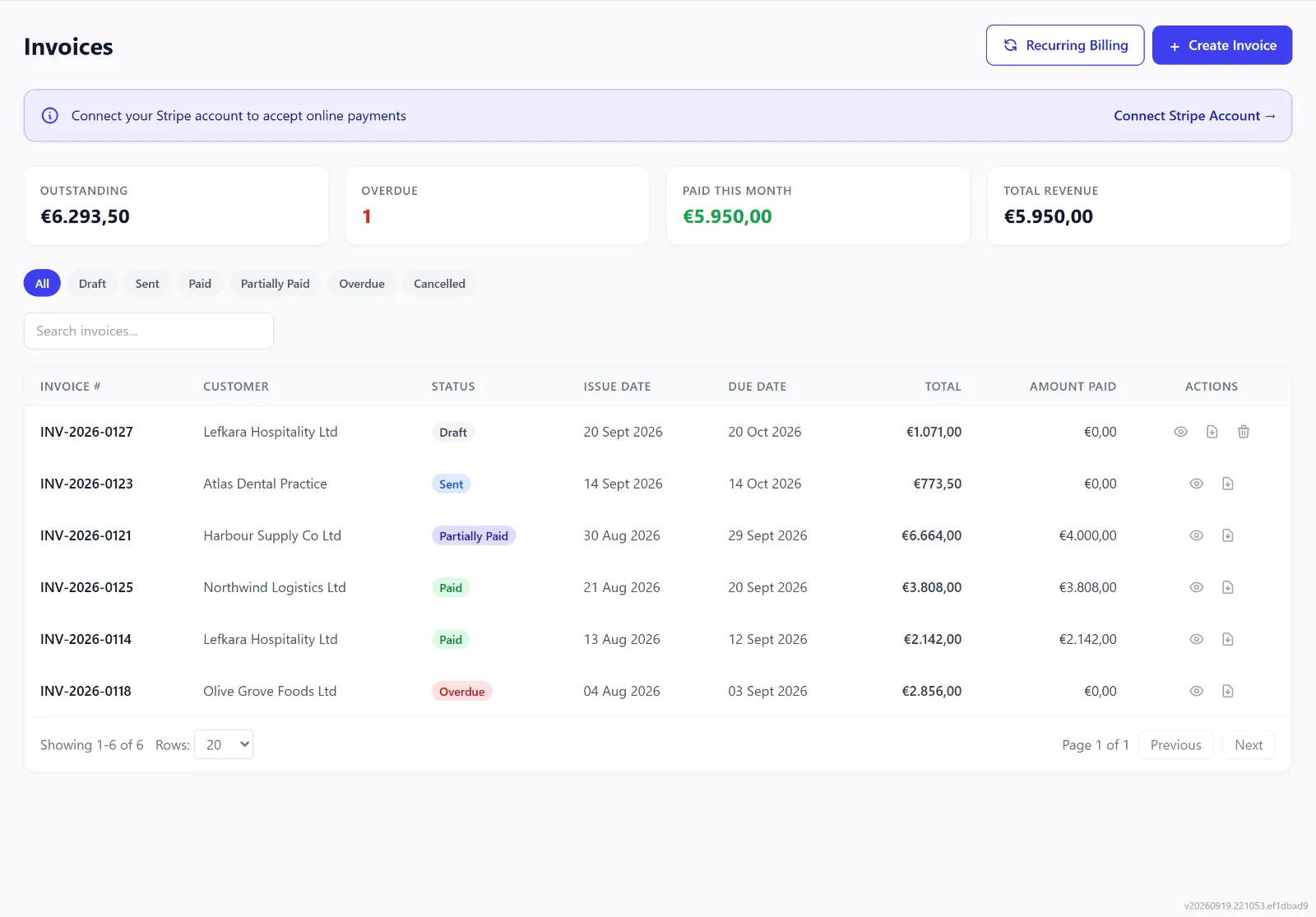
Invoices, one-off or recurring
Create an invoice from the customer in a few clicks — lines from your product catalogue, VAT per line — and send it by email. Set up repeating invoices once and they go out every cycle. What is paid, due and overdue sits in one list rather than being rebuilt from a spreadsheet.
Payment receipts and overdue reminders go out on their own; switch either off under Settings, Notifications.
Invoicing is on Growth and up.
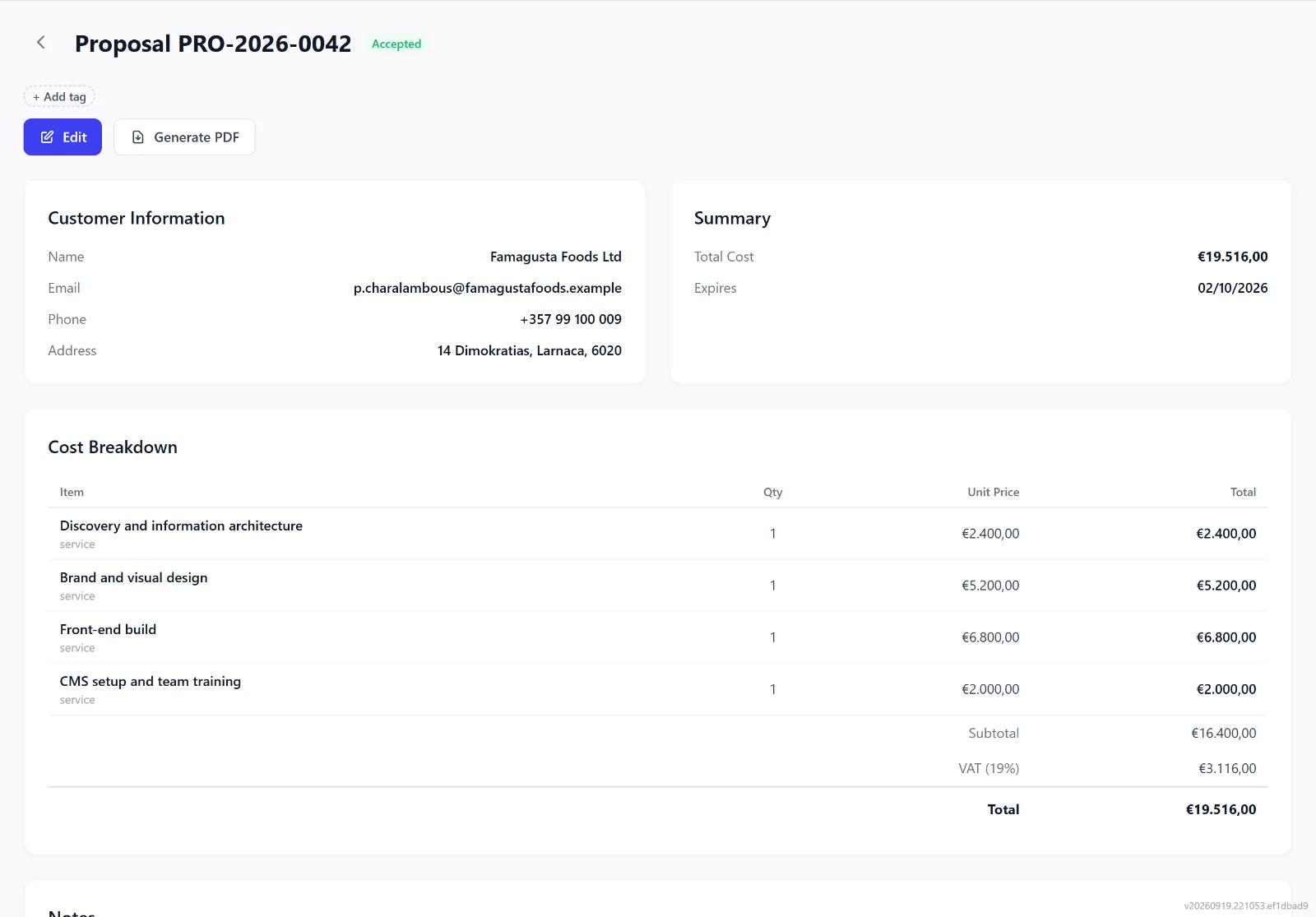
Proposals, signed
Build a proposal for a lead or customer from your catalogue and send it; the proposal shows when it was viewed, accepted or declined. Connect your own DocuSign account and acceptance goes through a signing step — without it, the customer accepts with a click. Ask for the full amount, a deposit or a percentage by card when they accept.
Proposals are on Growth and up. E-signature needs your own DocuSign account.
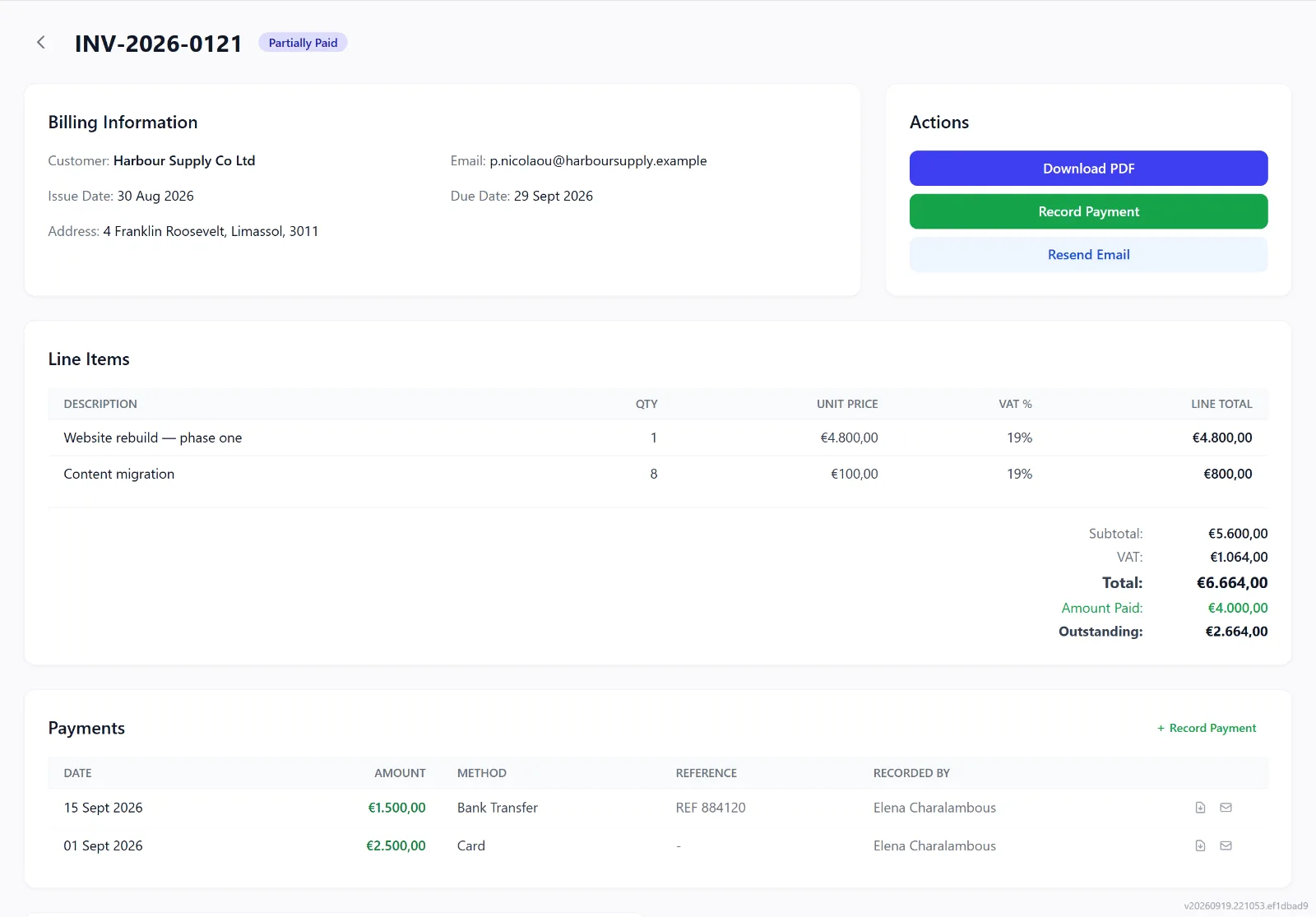
Paid by card, straight to you
Connect your own Stripe or Viva account and every invoice you send carries a payment link. Card payments are recorded against the invoice automatically, and the money goes straight into your account. Bank transfers, cash and partial payments are recorded against the same invoice, so the balance is right wherever the money came from.
The handover to your accountant
Export for accountant gives the invoices issued, payments received and VAT by rate for any period, as a spreadsheet or CSV files. On Enterprise, connect Xero or QuickBooks instead: every 30 minutes the invoices you issue go across with their customer, and payments recorded there mark the invoice paid here.
Xero and QuickBooks sync is on Enterprise.